Legacy
A Fabric.js-based CAD viewer, published on npm.
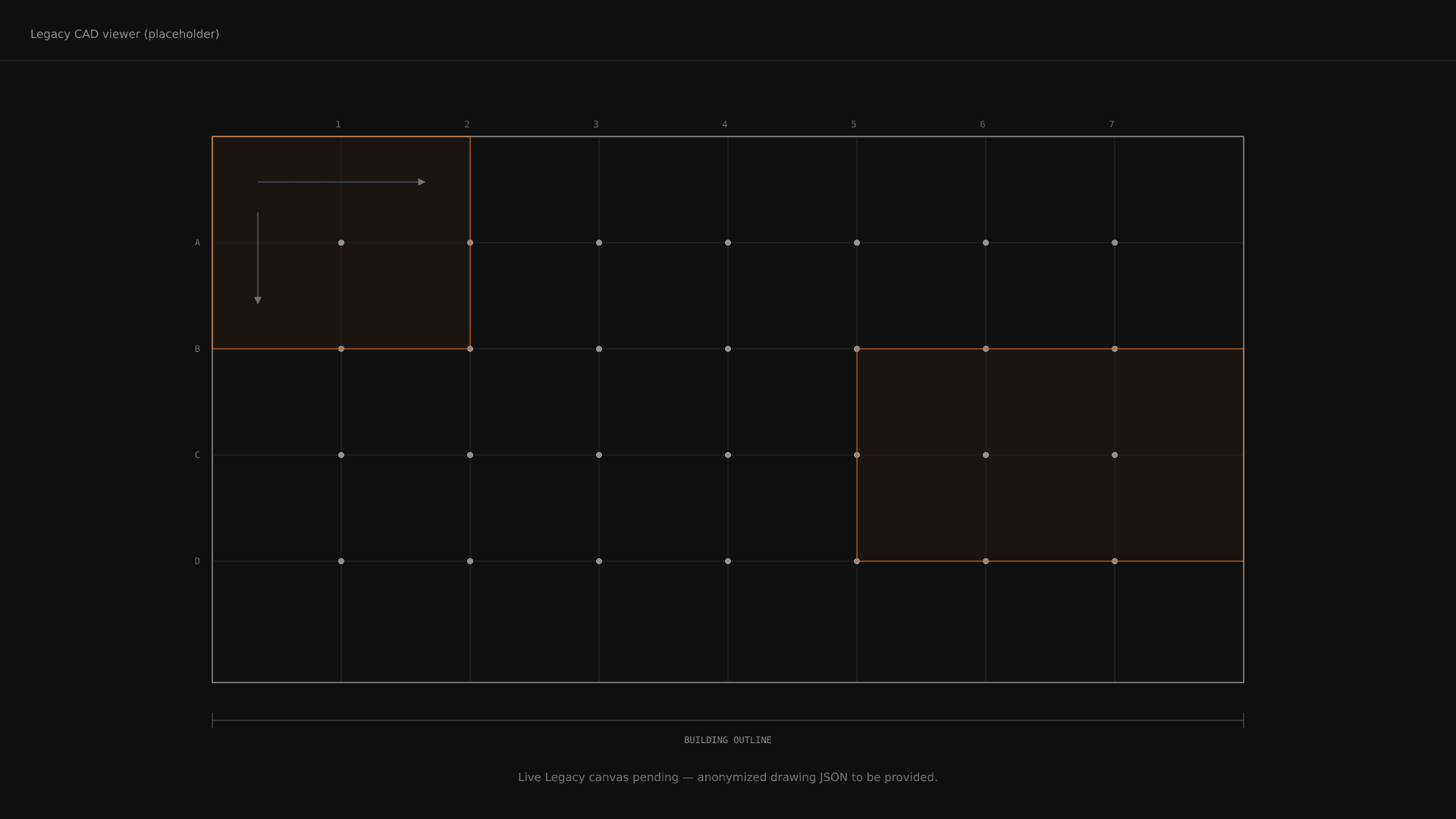
Legacy is the Fabric.js-based CAD viewer Blitz built to render structural drawings in the browser. It covers three tiers — display only, region awareness, full editing — and is published as @karlantoun/legacy on npm. Internally, it’s the drawing surface behind region annotation in the E-Detailer workflow. Externally, anyone can use it as a standalone viewer.
Each tier extends the one above it. Pick the smallest tier that does what you need.
The full surface is documented in the package. For context, this is what consuming Legacy looks like in practice:
import { LegacyComponent } from "@karlantoun/legacy";

<LegacyComponent
  options={{ canvasType: "region" }}
  onReady={() => ref.current?.displayBackground(entities)}
  requestDiameter={(region, done) => showDiameterModal(done)}
  onRegionSelected={(region) => setSelected(region)}
/>
The component is the only entry point. Every interaction — boundary drawing, direction selection, modifying regions — is exposed through ref methods or callbacks. No second prop tree, no internal state to manage from the outside.
CAD drawings live in AutoCAD-space, where Y goes up. Browser canvases live in Fabric.js-space, where Y goes down. Every coordinate that crosses the boundary has to be translated.
Legacy handles this. Inputs and outputs are always in CAD-space; internal rendering negates Y. You pass the coordinates that came from the structural model. You get back the coordinates that match the structural model. The browser part stays out of the way.
CAD drawings are dense. A typical structural model has thousands of entities. Legacy is built to render and respond at that scale.
The last release fixed a class of rendering bugs that came down to one root cause: stroke widths were being set in world-space coordinates, which became sub-pixel at typical CAD zoom levels. We added a screen-space stroke helper that divides by zoom, plus a render-with-stroke-update pass after every region operation. The result is immediate visual updates and consistent stroke thickness regardless of zoom.
This kind of work is the reason Legacy exists as its own library. CAD-grade rendering inside a browser canvas has its own constraints. We hit them, we name them, we fix them, we ship.
Legacy is in active development. Planned: better region-sync semantics for layer visibility, an alternative renderer for drawings at extreme density, and a tighter API around dimension annotations. The library is published; the roadmap is reactive to internal needs first, external feedback second.